

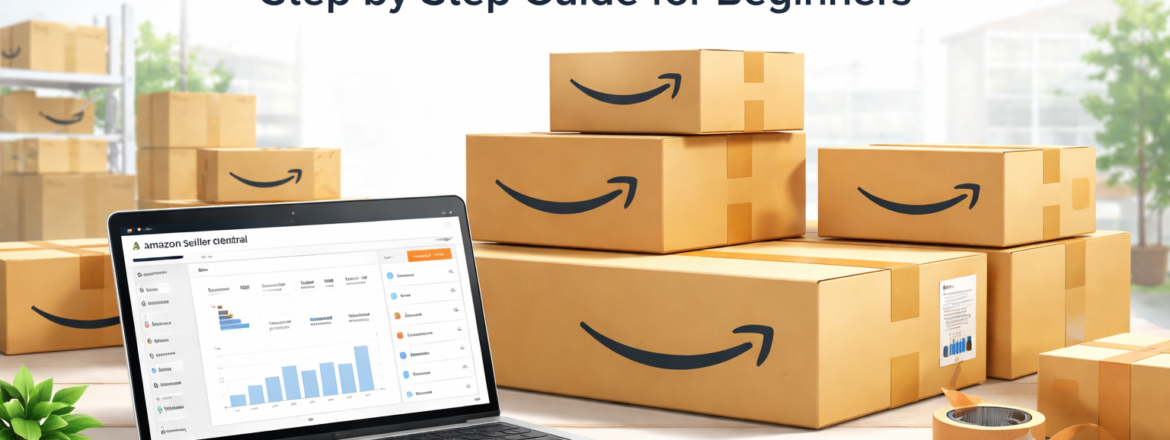
How to Set Up an Amazon FBA Account (Beginner’s Guide)
Starting an online business is easier than ever, and learning how to set up an Amazon FBA account is one of the smartest ways to sell products globally. With Fulfilment by Amazon (FBA), Amazon handles storage, packaging, and shipping, allowing you to focus on growing your business.
In this guide, you’ll learn step-by-step how to create your FBA account and understand how to sell things online successfully.
What does FBA Amazon mean?
Before starting, it’s important to understand the FBA Amazon meaning.
FBA (Fulfilment by Amazon) is a service where sellers send their products to Amazon’s warehouse, and Amazon takes care of storage, delivery, returns, and customer service.
Why Choose Amazon to Sell Stuff Online?
If you’re wondering where to sell things, Amazon is one of the best platforms because:
- Millions of active buyers
- Global reach
- Easy logistics system
- Trusted platform
This makes it ideal for beginners who want to sell stuff online without managing shipping themselves.
Step-by-Step: Set Up an Amazon FBA Account
1. Create an Amazon Seller Account
Go to Amazon Seller Central and sign up with:
- Email address
- Business details
- Bank account
2. Choose Your Selling Plan
- Individual (for beginners)
- Professional (for scaling business)
3. Verify Your Identity
Amazon will ask for:
- CNIC or passport
- Phone verification
- Address confirmation
4. Add Your Products
Now list your products:
- Product title
- Images
- Description
- Price
This is where you begin learning how to sell things online effectively.
5. Enable FBA
Convert your product listing to FBA:
- Select “Fulfilled by Amazon”
- Send inventory to the Amazon warehouse
6. Ship Products to Amazon
Pack and send your products to Amazon fulfilment centres. Once received, Amazon will handle everything.
How Do You Sell Successfully on Amazon?
If you’re asking how to sell effectively, follow these tips:
- Choose high-demand products
- Optimise product listings (SEO)
- Use high-quality images
- Focus on customer reviews
- Keep competitive pricing
Best Tips to Sell Stuff Online with FBA
- Research trending products
- Use keyword optimization
- Promote products through social media
- Keep inventory updated
These strategies help you grow faster and improve sales.
Conclusion
Learning how to set up an Amazon FBA account is your first step toward building a successful online business. With the right strategy and consistency, you can easily scale and earn from anywhere.
1. What is Amazon FBA?
Amazon FBA is a service where Amazon stores, packs, and ships your products.
2. How do I set up an Amazon FBA account?
Create a seller account, verify identity, list products, and enable FBA.
3. Where to sell things online?
Amazon is one of the best platforms due to its global reach and trust.
4. How to sell things online successfully?
Use SEO, high-quality images, and competitive pricing.
5. Is Amazon FBA good for beginners?
Yes, it’s beginner-friendly because Amazon handles logistics and delivery.